Smaller fixes
- Mock test, Climb and My mistakes: long texts scroll again, so you can read the whole text and reach every question.
The changes you will notice in FluentPrep, month by month. The newest changes are first.
November 2026
This month you can review your past mistakes, and Speaking and Writing feedback show more. We also fixed problems that learners and teachers told us about, mostly in Listening, Reading and Climb.
Speaking
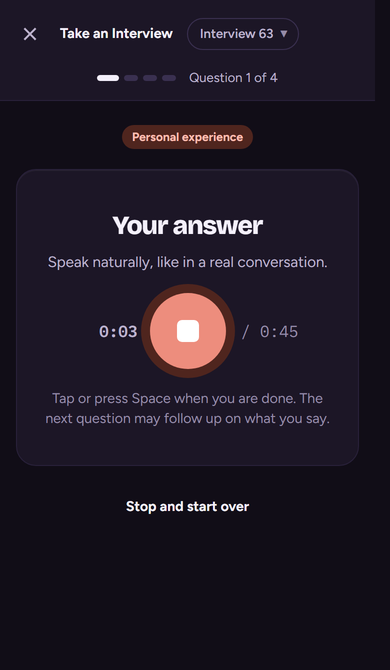
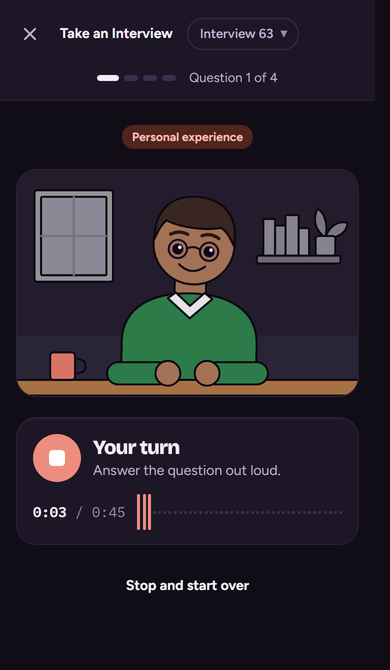
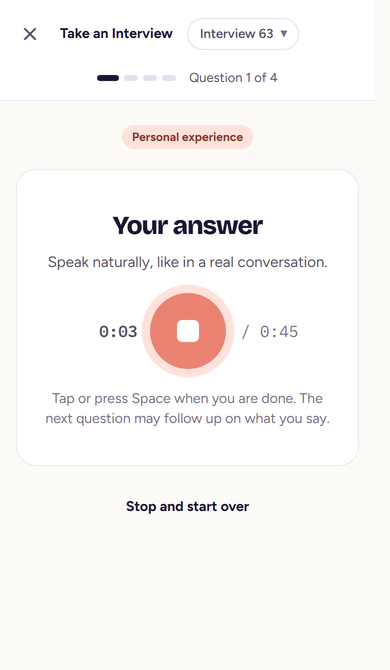
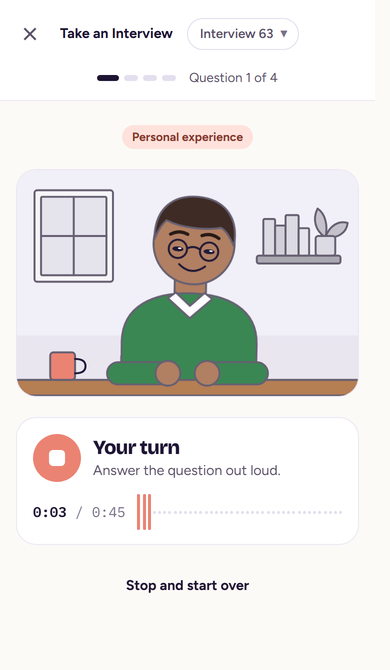
Take an Interview now shows a drawing of the interviewer, in practice and in the mock test. The interviewer talks while a question plays and listens while you answer. A man's voice has a man's face, and a woman's voice has a woman's face. The words of the questions are still not shown.
Reading
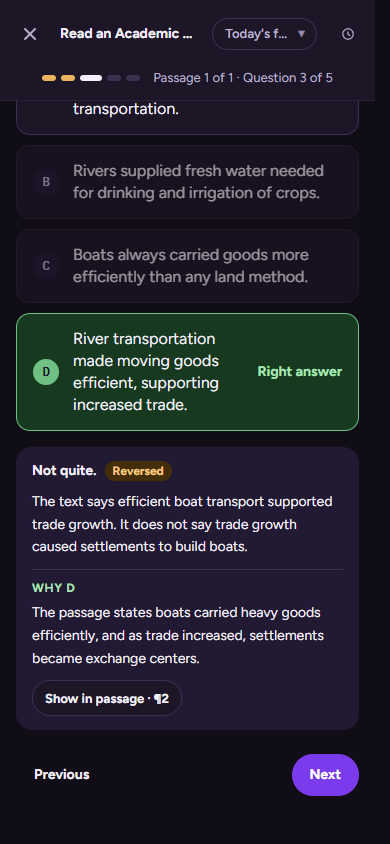
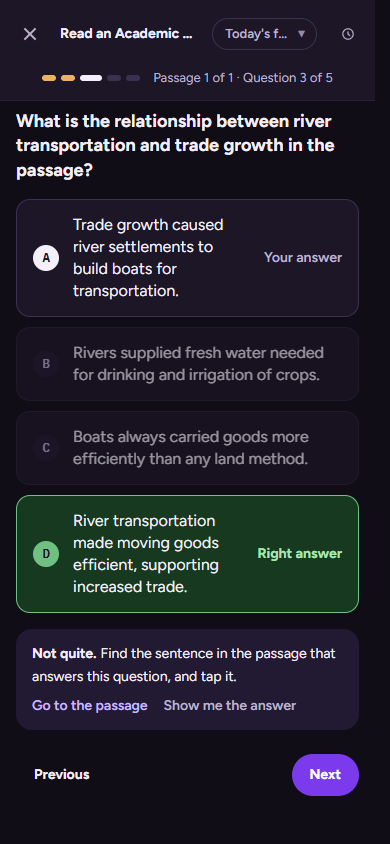
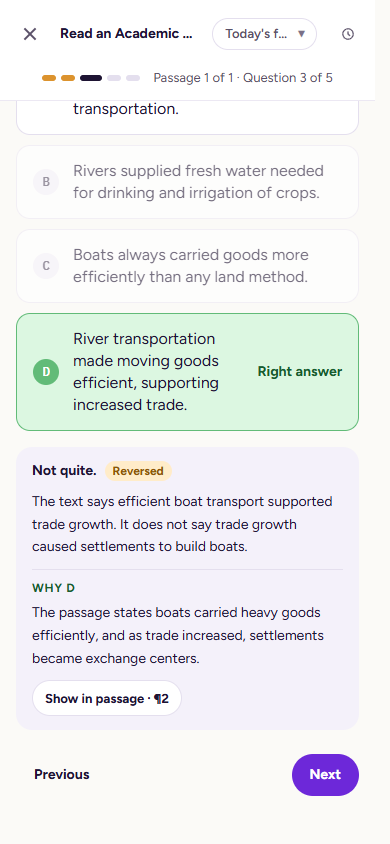
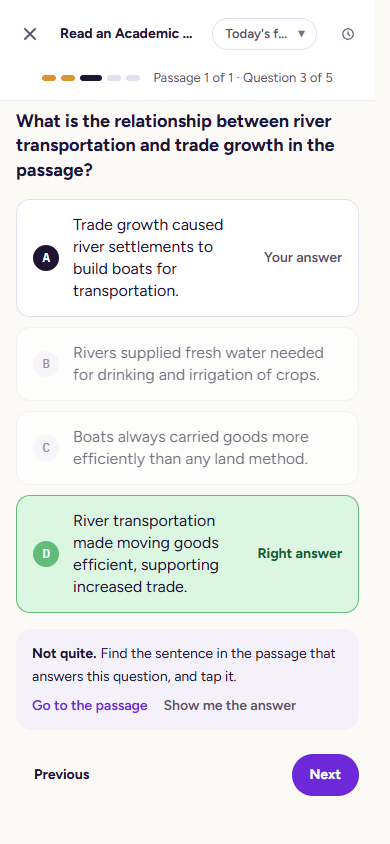
In Read an Academic Passage and Read in Daily Life, a wrong answer now asks you to find the sentence that answers the question. Tap it in the text. Then you see if you were right, and why the right answer is right. You can also tap "Show me the answer" to skip this step.
Writing
In Write an Email and Academic Discussion feedback, when you open a mistake, you can now try to correct it yourself before you see the answer. Press Check to compare your version, or Show the fix to see it right away. Correcting a mistake yourself helps you remember it.
Speaking
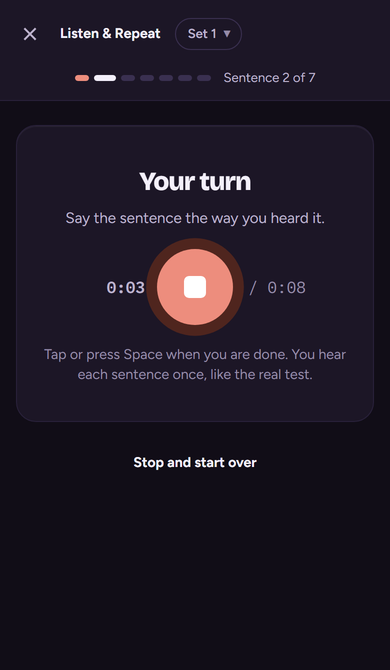
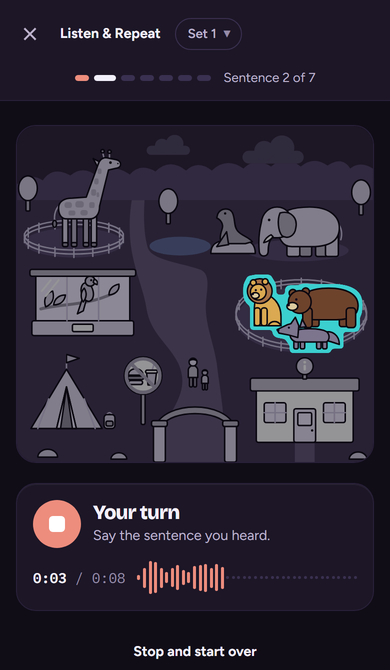
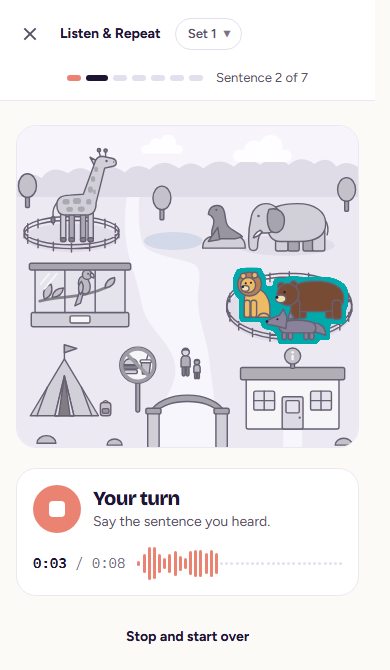
Listen and Repeat now shows a picture of the place, as the real test does. Before each sentence, the thing it talks about is outlined in the picture. The words of the sentence are still not shown.
If grading is slow, the mock test now waits and tries again, and your answer is graded later. Recordings are graded on the device you used for the test, so open your results there. If an answer cannot be graded, it is left out of your score instead of counting as 0.
Climb
Before, no one reached Advanced or Expert in Climb, even with every answer right. Now a long run of right answers takes you to the top. Reading questions in Climb also have more time, and a question you did not reach before the time ran out no longer lowers your level.
My mistakes now also gives you up to 6 new words a day. The words come from our reading passages and talks. Pro learners can ask for 6 more at a time, up to 20 a day. My mistakes is now in the sidebar, with the number of cards waiting.
If you reload the page, the mock test goes on where you stopped. It no longer asks an Interview question twice, and it keeps your last answer. You can skip a recording only when it does not play, and a skipped recording no longer costs you points.
Writing
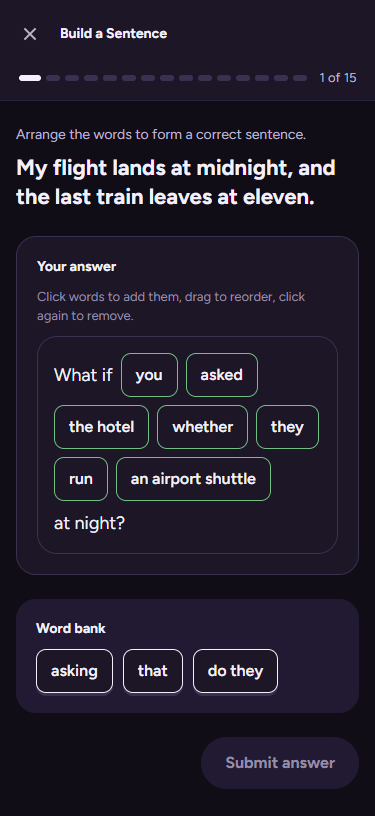
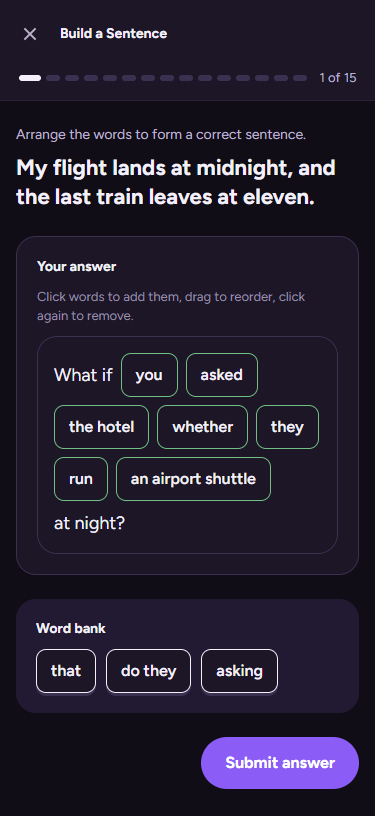
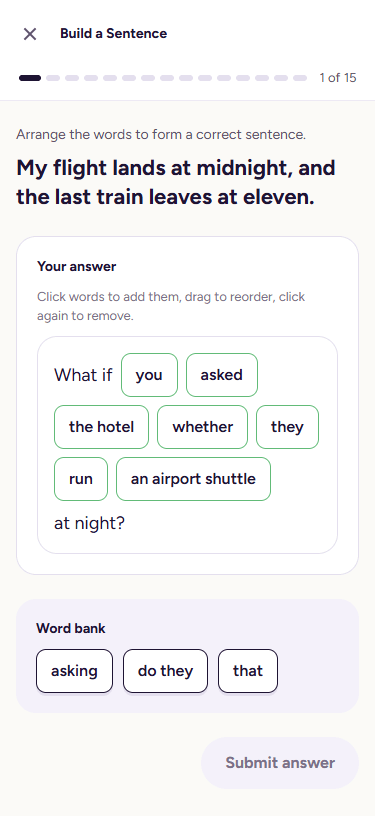
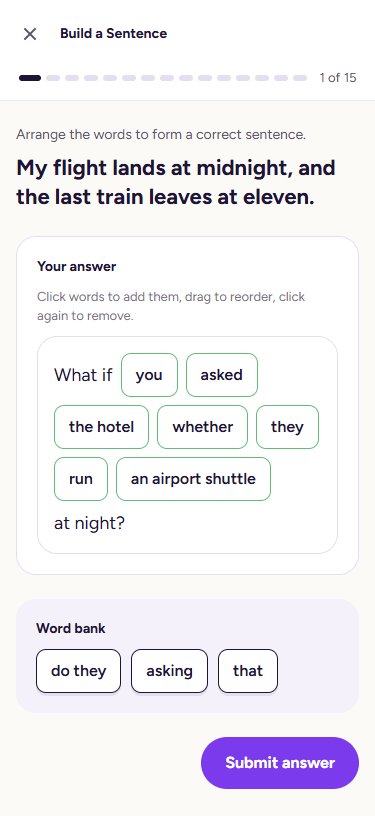
You can now finish Build a Sentence with the keyboard only. Press Enter to place a word. Press Enter, Delete or Backspace on a placed word to send it back.
Build a Sentence now has at most one extra word, and Listen and Repeat sentences are as long as in the real test. Our older, harder sets are still here as challenge sets, marked "Harder than the real test". Pro learners can open them after scoring 80% or more on two sets.
Listening
In the mock test, in Climb and in My mistakes, a click on an answer no longer moves you to the next question. You can change your mind, and then press Next. Each recording now also shows the task name and the directions first, as in the real test.
Climb
In Climb, Build a Sentence asked you to place every word, even the extra ones, before you could submit. Now you can submit as soon as your sentence is ready. In Complete the Words, wrong blanks are now marked when the answers are shown.
Speaking
Before sentence 1, a narrator now tells you where you are, as in the real test. In practice, you can skip this part.
Reading
One question needed science knowledge that was not in the passage, so we added that fact to the passage. Then we checked all reading questions: the answer is always in the text. Complete the Words passages now use common academic words instead of rare ones.
Pro now also comes as a 30-day pass. You pay once, nothing renews, and you get 30 days of Pro. It is a good fit if you only need Pro until your exam.
After your exam date, the practice page asks how your TOEFL went. Your answer is optional. It helps us check how well the mock test predicts real scores.
This month we added 80 Build a Sentence questions, 43 Complete the Words passages, 14 academic reading passages, 56 Listen and Choose a Response questions, 30 conversations, 12 academic talks and 20 Listen and Repeat sets.
Speaking
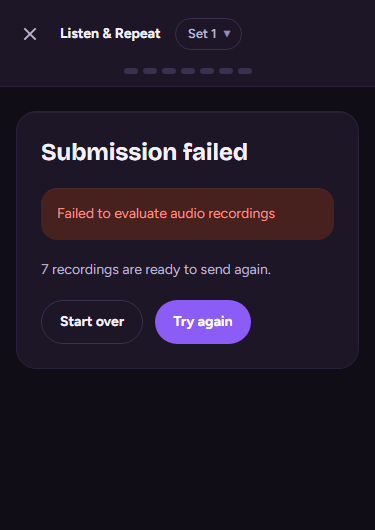
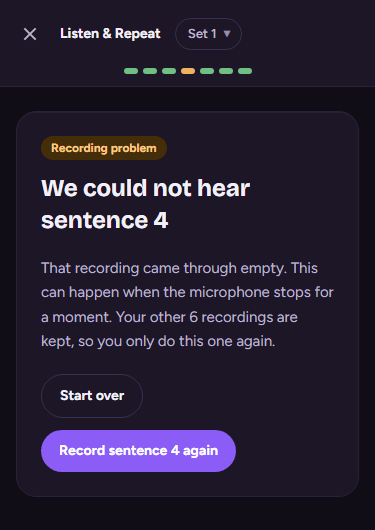
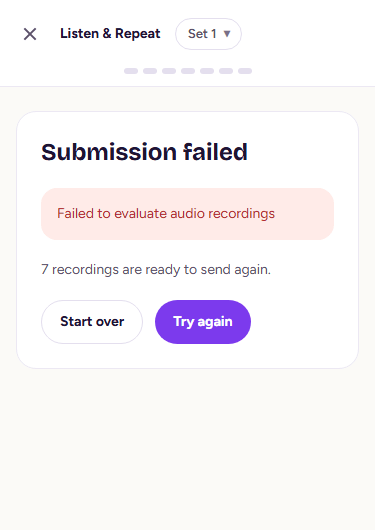
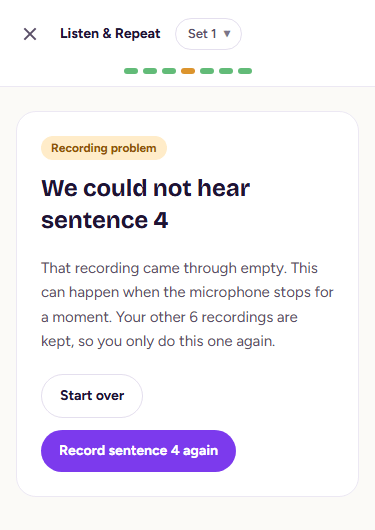
If we cannot hear one recording, you record only that one again. Your other answers are kept. A set that is not checked yet stays saved on your device for 7 days, so a closed tab does not lose it.
Writing
Writing feedback no longer suggests corrections for things that were not mistakes. Real mistakes and style ideas are now apart: ideas are marked "Could be better", and they never become your main focus.
Listening
After a Conversation set, tap a conversation on the score card to open its review. The recording also stops when you press Next question.
In History, your Write an Email, Academic Discussion, Interview and Listen and Repeat attempts now open with the full feedback you saw after grading. On a computer, you can also open them full screen.
A teacher can now share one link to a practice set. You join for free, and your teacher sees the class scores on that set.
Climb
If you have a free account, you can now play one Climb set without taking a mock test first. When a free set is waiting, the Climb link says FREE SET instead of PRO, and the task pages say "Try Climb free".
Questions you got wrong now come back on the My mistakes page: one day later, then after 3 days and after 7 days. You practise them again before you forget them.
Speaking
Interview feedback now underlines your grammar and word mistakes and shows a corrected answer. A new player marks your long pauses in your recording. It also shows how long you spoke, your pace and your filler words.
Reading
After a Reading question, you can see why each wrong answer is wrong, not only which answer is right.
Did something not work for you? Email us at support@fluentprep.online and we will look at it.